

Buying guide
Jackery Explorer 5000 Plus: Batteries, Switches and Runtime
Choose your Jackery Explorer 5000 Plus setup with battery and transfer-switch comparisons, runtime estimates, and charging limits explained before buying.
By thisWATT EditorialUpdated November 2, 20267 min read1 picks
Our picks at a glance
- See on Amazon1
Best starting point for expandable 240V backup
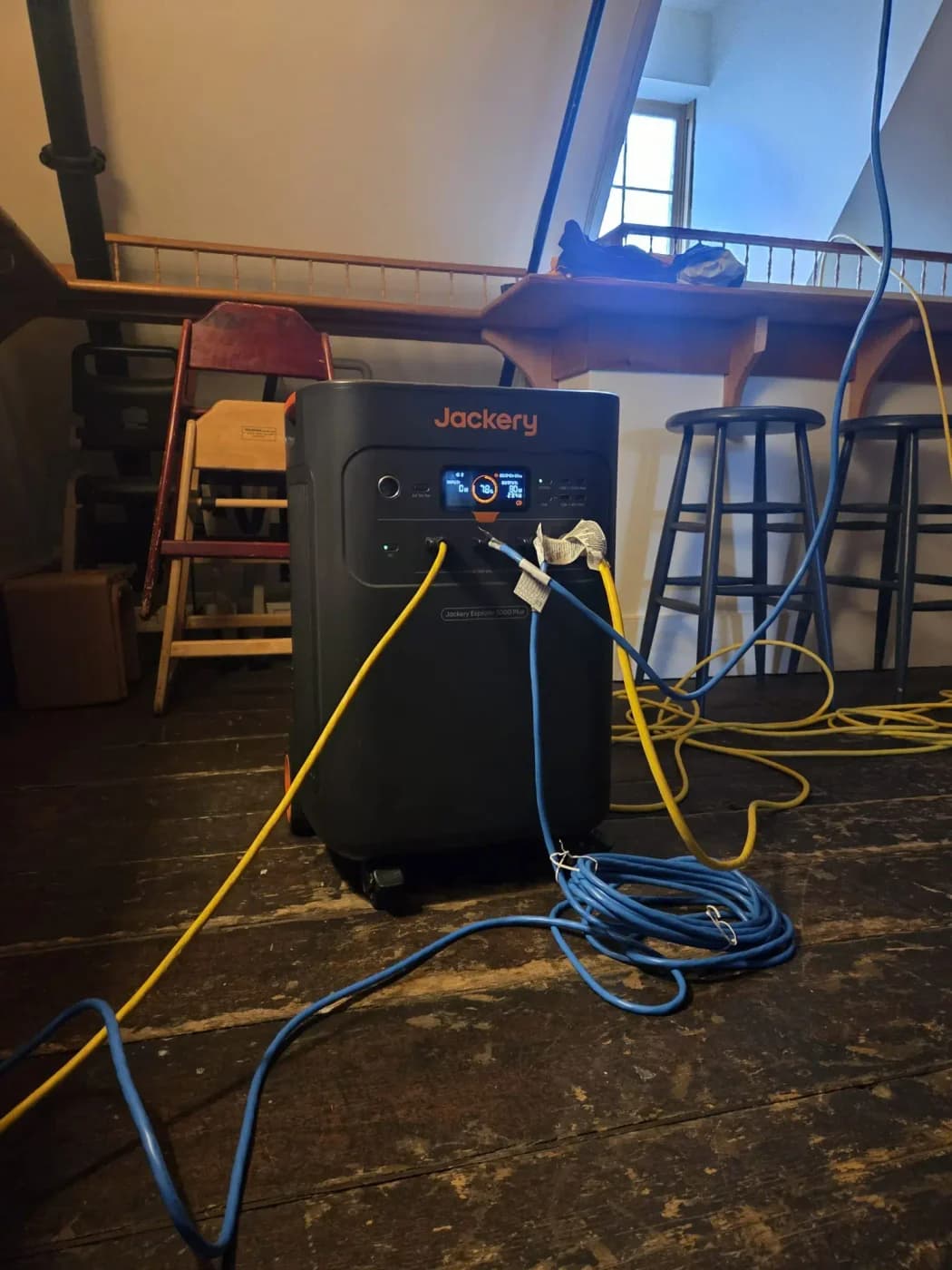
Jackery Explorer 5000 Plus Portable Power Station (5,040Wh, 120V/240V)5040 Wh capacity · 7200W AC out · LiFePO4
The Jackery Explorer 5000 Plus is our pick for expandable 120V/240V backup: one station stores 5,040Wh and supplies 7,200W continuous, according to Jackery’s US manual. Start with the station, add a Battery Pack 5000 Plus for longer runtime, and choose manual or smart transfer equipment when you need home-circuit backup. Getting 14,400W continuous requires two stations through the Smart Transfer Switch; on one station, that same number describes surge output.
thisWATT is reader-supported: when you buy through our links, we may earn a commission at no extra cost to you. As an Amazon Associate, thisWATT earns from qualifying purchases.
- 5,040WhNominal storage in one station
- 7,200WContinuous AC output, one station
- 14,400WSurge output, one station
Quick picks: choose the configuration
Buy more batteries when you need more hours; buy a second station when you need more running watts. The supported dual-station path uses Jackery’s Smart Transfer Switch, not a generic parallel cable.
| Setup | Nominal stored energy | Continuous AC output | Our pick for |
|---|---|---|---|
| Station alone | 5,040Wh | 7,200W | Plug-in essentials; starting point |
| Station + one battery pack | 10,080Wh | 7,200W | Longer outages with the same loads |
| Station + five battery packs | 30.24kWh | 7,200W | Maximum storage on one station |
| Two stations + Smart Transfer Switch | 10,080Wh | 14,400W | More simultaneous loads |
| 20kWh whole-home kit | Four × 5,040Wh, sold as 20kWh | 14,400W | Two stations, two packs and smart transfer |
| Two stations + ten packs + smart transfer | 60.48kWh | 14,400W | Maximum supported storage; check local limits |
These are nominal battery figures, before conversion losses and reserve settings. Jackery’s kit names round capacity; our runtime arithmetic uses the individual battery capacities. Check permitted system capacity locally before ordering an expanded installation.
Best starting point: Explorer 5000 Plus station
The US station is JE-5000A, with LiFePO4 cells, a stated 4,000 cycles to 70%+ capacity, and a weight of about 134.5 lb. Choose it for loads needing its output or expansion options; for carrying between rooms, that weight deserves planning.
Jackery
Jackery Explorer 5000 Plus Portable Power Station (5,040Wh, 120V/240V)
A 5,040Wh LiFePO4 home-backup power station with 7,200W of 120V/240V output (14,400W surge), up to 4,000W of solar input, 0 ms online UPS and expansion with Battery Pack 5000 Plus.
Comes in 5 versions: see which to buy
- 5040 Wh capacity
- 7200W AC out
- LiFePO4
Treat continuous output as the shared running limit and surge as a separate starting allowance, not extra sustained power. Confirm motor starting demand before buying for a well pump or air conditioner.
An outlet-rating conflict matters: the web table prints 3,600W alongside its four 120V outlets; the manual lists 120V, 20A, 2,400W per outlet and 3,600W for each paired outlet group. Ask Jackery to confirm allocation for demanding 120V appliances rather than reading the web number as a per-socket allowance.
For longer runtime: Battery Pack 5000 Plus
Buy the JBP-5000A expansion pack when output already covers your loads but stored energy does not. It adds 5,040Wh, weighs about 81.57 lb, and its manual includes an expansion cable in the package list. It must work with the Explorer 5000 Plus; it cannot supply your appliances independently.
One station accepts up to five matched packs. Expansion keeps the station’s 7,200W continuous ceiling; other Jackery families’ batteries are not interchangeable parallel accessories.
Check the exact Battery Pack 5000 Plus at Jackery.
For attended circuit backup: 240V 50A Manual Transfer Switch
Our manual option is Jackery’s exact 240V 50A kit for Explorer 5000 Plus. Its table specifies 125V/250V, 50A maximum, ten circuit positions with single- and double-pole entries, and a NEMA SS2-50 (CS6375) inlet. The package lists the transfer switch, inlet and power cord; the cabinet is for indoor use.
Choose manual transfer when someone can operate the installed system during an outage. The switch’s 50A rating does not turn one station’s 30A, 7,200W 120V/240V output into a higher-output supply.
Match the full kit name: Jackery’s separate 306A product page currently says that accessory is only suitable for HomePower 3600 Pro Max. Do not substitute a generic “Jackery Manual Transfer Switch” search result.
Check the Explorer 5000 Plus manual-transfer kit at Jackery.
For automatic backup: Smart Transfer Switch
Choose the JA-TS02A Smart Transfer Switch for automatic circuit backup or a supported two-station system. Jackery specifies up to 12 circuits at 120V or six at 240V, with mixed configurations possible; an electrician must allocate the actual circuits.
Transfer time has conditions: Jackery’s FAQ gives 20ms with UPS enabled in the app, roughly one second if the station is charging, and roughly five seconds without UPS enabled. The manual qualifies that last case with the station turned on and also warns that charging extends transfer time. Confirm the operating mode against equipment that may reset.
The station’s separate 0ms online UPS claim applies only to its NEMA 5-20 outlets, with a 3,600W maximum, and resets to backup mode after restart. It is not a zero-interruption specification for the home switch.
Check the Smart Transfer Switch at Jackery.
Essential-load runtime: estimate hours, then check surge
Jackery publishes a general estimate: hours = capacity in Wh × 0.85 ÷ load in W. The loss factor is a planning assumption, not a measured usable-capacity result for this station. We apply it to full nominal storage, with no charging, no reserved charge and no separate standby-draw deduction; results below round down to whole hours.
| Assumed steady load | Station: 5,040Wh × 0.85 ÷ W (hours) | Station + pack: 10,080Wh × 0.85 ÷ W (hours) |
|---|---|---|
| 300W | 14 | 28 |
| 1,000W | 4 | 8 |
| 3,000W | 1 | 2 |
For example, 5,040Wh × 0.85 ÷ 300W gives about fourteen hours before rounding. These are estimates, not promised durations; a reserve, aging, cold conditions or different losses can shorten them. For a refrigerator, use its average cycling load when estimating energy, then check compressor startup separately; add every other simultaneous load.
Parts to review with your electrician
Home-circuit backup needs a licensed electrician, with permits where required. Have the quote identify selected loads and motor starts, the transfer path, required listings and local storage limits, cable quantities for every station and pack, and an appropriate indoor location.
Tap a label to explore. You can also hover or use your keyboard.
Explorer stationStores energy and supplies AC power
Start with the station; check its running-output and surge limits against selected loads.
Sources: 1: The station has an AC output rating separate from battery capacity.Optional battery packsMore stored energy
Use the matched Battery Pack 5000 Plus for expansion. Ask the quote to identify the required expansion cables.
Sources: 2: The expansion pack is for the Explorer 5000 Plus.Transfer equipmentChoose manual or smart
The manual kit and Smart Transfer Switch have different circuit provisions. Ask for the exact selected kit and every station-to-switch cable.
Sources: 3: The manual-switch table lists ten circuit positions with single- and double-pole entries., 4: The Smart Transfer Switch lists twelve load branches.Selected home circuitsAn electrician defines the backed-up loads
Review the circuit allocation before ordering. A switch’s available circuit positions do not establish that every connected load can run together.
Sources: 1: The station has an AC output rating separate from battery capacity., 3: The manual-switch table lists ten circuit positions with single- and double-pole entries., 4: The Smart Transfer Switch lists twelve load branches.Locations are schematic. The installer must specify placement, approvals, cables and protection for the complete system.
Source notes4 references
The station has an AC output rating separate from battery capacity.
r.jackery.net — source for The station has an AC output rating separate from battery capacity.7200W Max, 14400W Surge
The expansion pack is for the Explorer 5000 Plus.
r.jackery.net — source for The expansion pack is for the Explorer 5000 Plus.Only use together with Jackery Explorer 5000 Plus.
The manual-switch table lists ten circuit positions with single- and double-pole entries.
www.jackery.com — source for The manual-switch table lists ten circuit positions with single- and double-pole entries.10 Total - (1)2P 30A, (1)2P 20A, (6)1P 15A
The Smart Transfer Switch lists twelve load branches.
www.jackery.com — source for The Smart Transfer Switch lists twelve load branches.Number of Load Branches 12
Recharge paths and winter limits
Wall or smart transfer: Jackery lists 120V, 15A maximum AC charging and about 3.5 hours for the station’s wall recharge. Its 1.7-hour data note attributes that result to Smart Transfer Switch charging, despite solar wording nearby. When connected to the Smart Transfer Switch, Jackery says the station’s 120V AC input cannot charge it; plan replenishment around the selected transfer arrangement.
Solar: Jackery advertises up to 4,000W input; the manual specifies 135–450V, 15A maximum high-PV and 16–60V low-PV, with a 1,200W combined low-PV ceiling. A bundle’s two 500W panels total 1,000W nameplate, so that bundle does not deliver the full input ceiling. Have the installer verify array voltage, current and connectors, including cold-weather voltage, against the model manual.
Cold weather: the US manual permits charging at 32–113°F (0–45°C) and discharging at 5–113°F (−15–45°C). At 5–14°F (−15 to −10°C) it reduces maximum output to 3,600W. A cold discharge rating does not permit charging below the stated charging range.
How we choose
This is a specification-based assessment, checked November 2, 2026, using Jackery’s US manuals, product tables and kit lists; we have not physically tested the system. We distinguish nominal capacity, estimated runtime, continuous output and transfer-mode claims, and retain conflicts rather than turning them into purchase assurances.
Verify the selected package’s station, pack, panel and switch quantities before ordering. The captured 20kWh kit option was marked Sold Out; check availability instead of assuming every listed configuration can ship. For alternatives across brands, use our home battery backup guide.
Verdict
Start with the Explorer 5000 Plus if you need its output and expansion; add a matched pack for longer outages. Choose manual transfer for attended circuit backup or Smart Transfer Switch for automatic backup and supported dual-station output. If your needs are shorter outages and smaller plug-in loads, compare the lighter choices in our portable power station guide.
Frequently asked questions
Can the Jackery Explorer 5000 Plus power a whole house?
It can supply selected home circuits, including compatible 240V loads, within its 7,200W continuous limit. That does not establish that every appliance can run together or that every motor will start. Have a licensed electrician check the loads, transfer equipment and local requirements. Size battery storage separately for the outage duration.
How many batteries can the Explorer 5000 Plus use?
Each station accepts up to five Battery Pack 5000 Plus units, giving 30.24kWh including the station. Two stations with the Smart Transfer Switch support ten packs and 60.48kWh total. Adding packs extends estimated runtime; it does not raise a single station’s 7,200W continuous output. The battery pack requires the matching station.
Can I charge the Explorer 5000 Plus from a 12V car socket?
Treat this as unconfirmed before buying. The US JE-5000A manual describes charging from a 12V car charger, while Jackery’s current station-page specification table marks the 12V car adapter unsupported. Get written confirmation from Jackery for your exact station and required cable before relying on vehicle charging during an outage.
Does the Smart Transfer Switch provide zero-millisecond backup?
No. Jackery specifies transfer within 20 milliseconds with UPS enabled in the app; its FAQ says roughly one second while charging and five seconds without UPS enabled. The station’s separate zero-millisecond online mode is limited to its NEMA 5-20 outlets and 3,600W maximum. Do not apply that station-mode claim to home-circuit transfer.
Best starting point for expandable 240V backup
Jackery Explorer 5000 Plus Portable Power Station (5,040Wh, 120V/240V)
Related guides
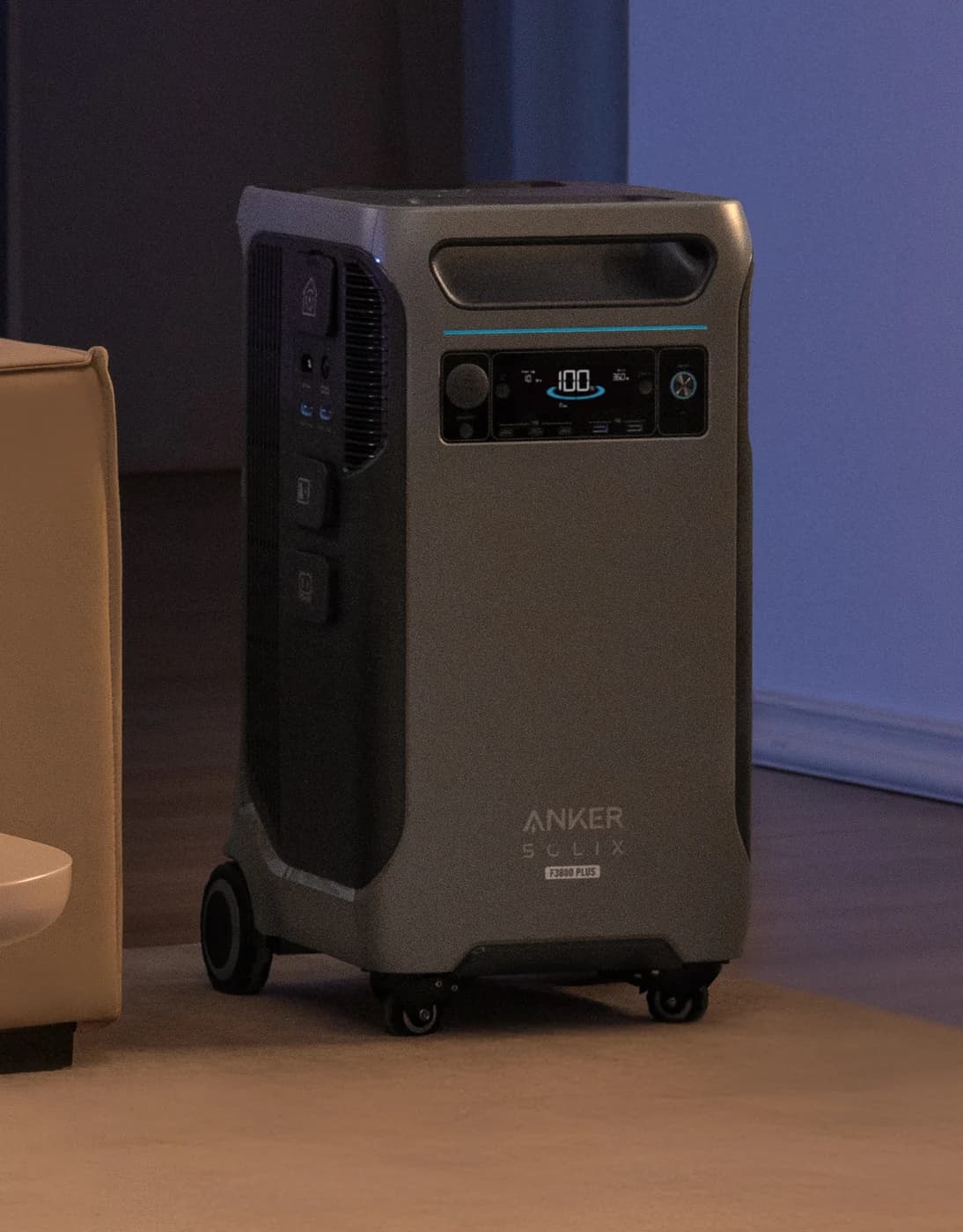
Anker SOLIX F3800 vs F3800 Plus: Models, Batteries, and Home Backup Kits
Choose the right Anker SOLIX F3800 or F3800 Plus: compare charging, outlets, BP3800 batteries and home backup kits, with clear limits for each configuration.
Updated November 2, 2026Read
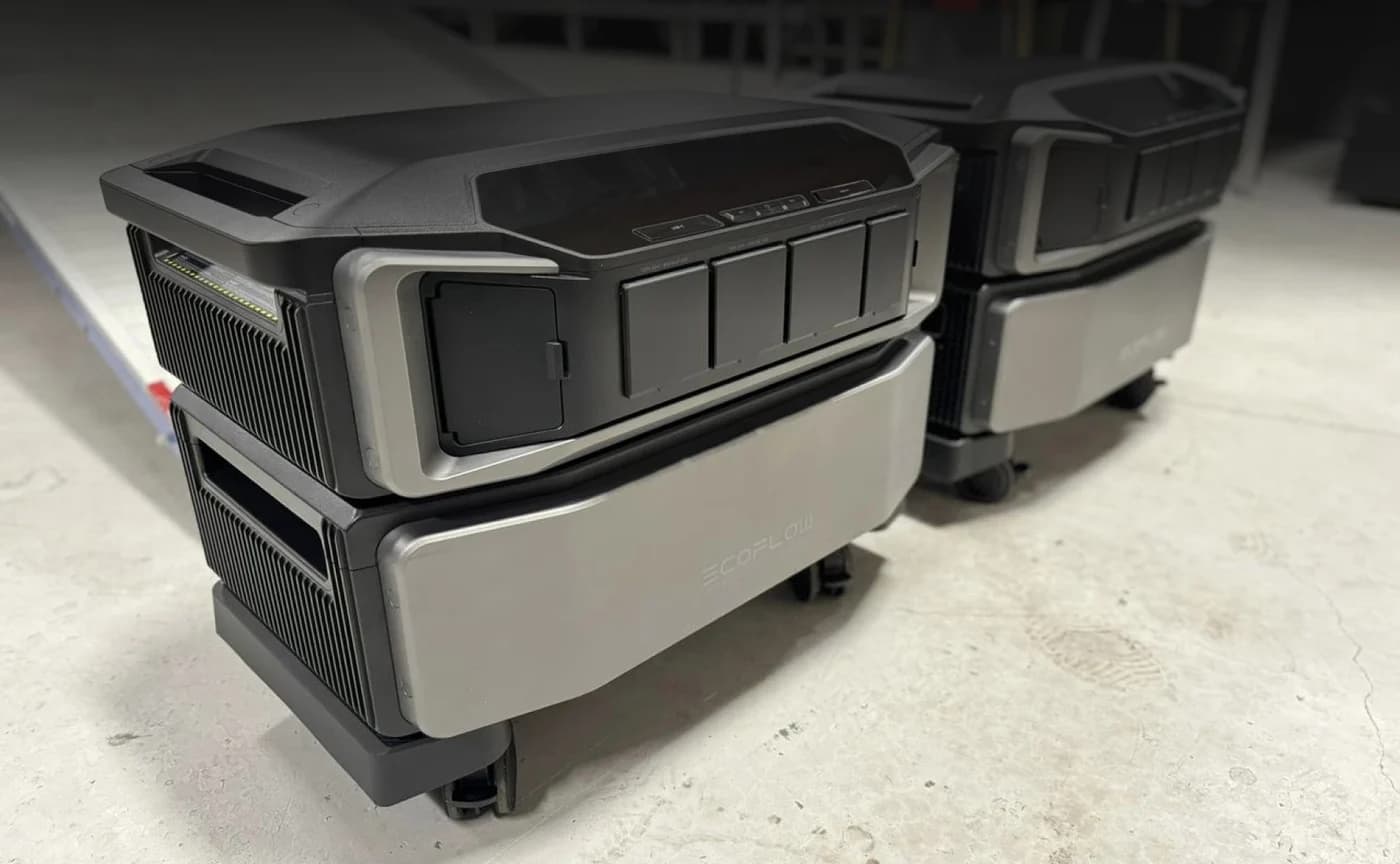
EcoFlow DELTA Pro 3 vs Ultra: Batteries and Smart Panels
Choose the right EcoFlow DELTA Pro 3 or Ultra system with battery and smart panel compatibility, kit contents, runtime estimates and winter recharge advice.
Updated November 2, 2026Read

Best Battery Backup for a Sump Pump: Pumps, Batteries and Power Stations
Choose a sump pump battery backup that fits your pit, water flow and outage needs. Compare dedicated pumps, combo systems, batteries and a power station option.
Updated November 2, 2026Read